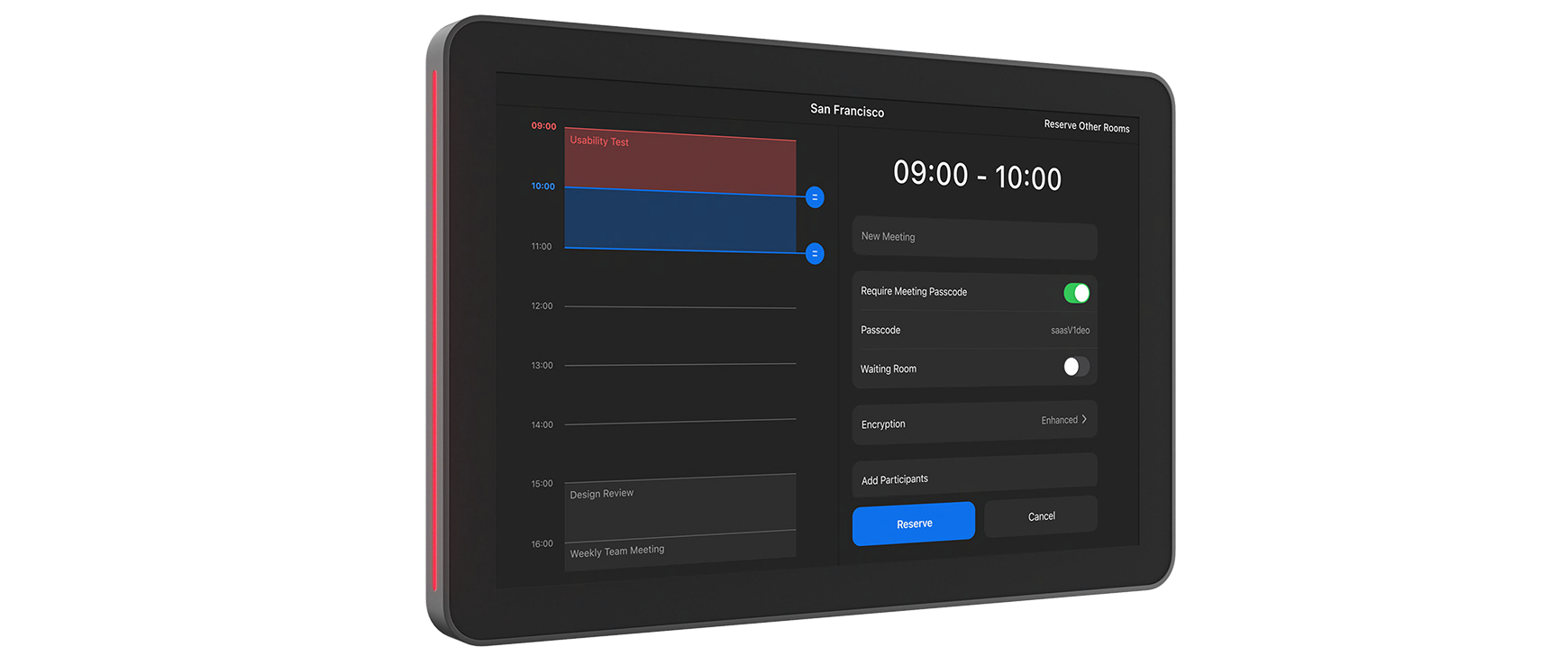

Logitech Tap Scheduler

Best scheduling display for modern offices managing shared meeting spaces.
This dedicated panel turns chaotic office scheduling into a frictionless, at-a-glance experience. While it lacks the versatility of a general-purpose tablet, its specialized focus on room availability and seamless platform integration makes it the gold standard for keeping modern meeting spaces organized and professional.
$999.00
at
Dell Home & Home Office
Who it's for
- IT managers needing reliable, native platform synchronization
- Office designers prioritizing professional aesthetics and clear room status
- System administrators seeking efficient, centralized remote device management
Who should skip it
- Budget-conscious businesses preferring inexpensive consumer tablet alternatives
- Facilities without existing Power over Ethernet network infrastructure
- Organizations requiring versatile tablets for multiple digital signage tasks
Performance breakdown
Platform Compatibility
Seamless integration with all major room scheduling and management software suites.
Display Clarity
Spacious 10.1-inch screen ensures meeting details remain legible from across rooms.
Installation Versatility
Included mounting hardware handles glass, mullion, and wall surfaces with ease.
Status Visibility
Integrated LED indicators provide instant room availability status from a distance.
Build Durability
Robust construction and oleophobic coating withstand high-traffic office environments perfectly.
Cable Management
Thoughtful design options keep workspaces clean and free of unsightly wires.
Key Specs
Display Size
10.1” touch display
Mounting Options
Glass, Mullion, Wall
Profile
Flush-mounted, 31.4mm from the wall
Display Angle
Flat angle for accessibility
Features
Availability lighting, Anti-fingerprint oleophobic coating
Material
Optical Glass
Mounting Type
Screw-in
Filter Shape
Round
Filter Thickness
31.4 mm
Supported Platforms
Microsoft Teams, Zoom Rooms, Robin, Appspace, RICOH Spaces, Logitech Room Booking, Envoy, Korbyt, Comeen
Know before you buy
Still have a question?
Ask Metto anything about the Logitech Tap Scheduler before you decide.