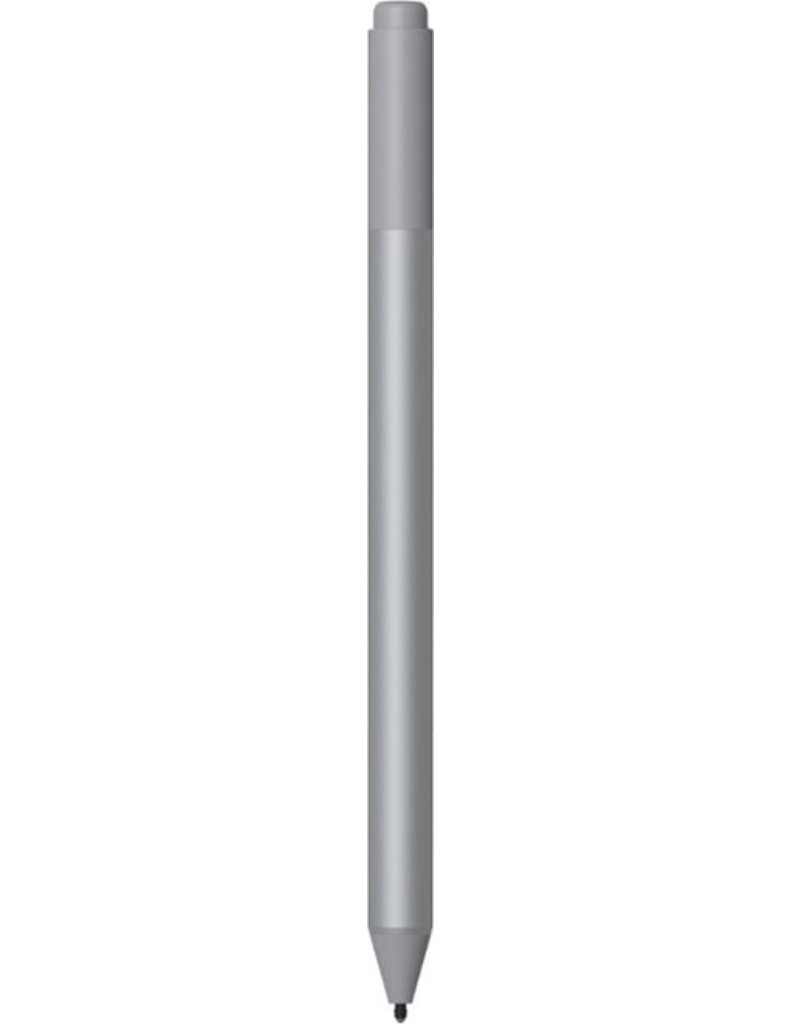

Microsoft Surface Pen

Best precision tool for digital artists and professional note takers.
This is the gold standard for turning a tablet into a legitimate sketchbook. It offers near-zero latency and satisfying shading control that feels remarkably analog, though you are locked into a specific ecosystem to get that seamless, magnetic experience.
$79.99
at
12th Man Technology
Who it's for
- Digital artists and designers seeking precise control over line weight
- Students and professionals who prefer the tactile feel of paper
- Power users looking to streamline their digital workflow and navigation
Who should skip it
- Eco-conscious users who prefer integrated USB-C or magnetic charging
- Budget-conscious buyers expecting a complete out-of-the-box tablet experience
- Commuters and travelers worried about losing expensive accessories in bags
Performance breakdown
Pressure Sensitivity
4,096 levels offer nuanced control for professional-grade sketching and shading.
Input Latency
Near-instantaneous response mimics the fluid feel of traditional pen on paper.
Ergonomic Design
Balanced weight and barrel shape ensure comfort during extended creative sessions.
Workflow Integration
Programmable buttons and magnetic storage streamline your daily digital productivity.
Palm Rejection
Reliable software handling allows for a natural, relaxed hand position.
Versatility
Tilt support and a functional eraser handle complex artistic tasks effortlessly.
Key Specs
Stylus Type
Active Stylus
Pressure Levels
4,096
Connectivity
Bluetooth
Compatibility
Microsoft Surface devices
Material
Plastic
Palm Rejection
Yes
Tilt Support
Yes
Magnetic Attachment
Yes
Replaceable Tips
Yes
Programmable Buttons
Yes
Know before you buy
Still have a question?
Ask Metto anything about the Microsoft Surface Pen before you decide.