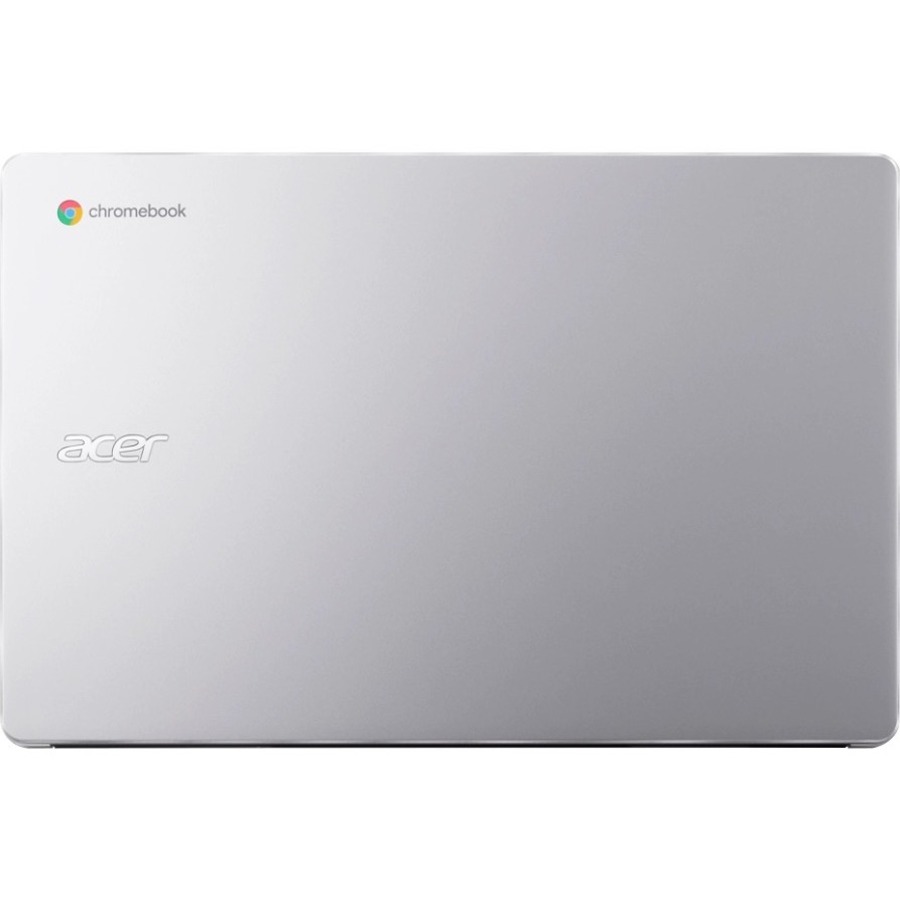

Acer Chromebook 315

Best affordable laptop for students and casual home users.
This is the ultimate workhorse for anyone who prioritizes screen real estate and data entry over raw processing power. By pairing a massive display with a dedicated numeric pad, it turns cloud-based multitasking into a breeze. You sacrifice high-end performance for a lightweight, all-day machine that simply gets the job done.
$467.50
at
CompTechDirect
More Chromebook options
Who it's for
- Students and remote workers needing a large, budget-friendly workspace
- Accountants and data entry professionals seeking efficiency on the go
- Commuters and travelers requiring all-day productivity without frequent charging
Who should skip it
- Power users and creative professionals running demanding software
- Outdoor enthusiasts and professionals working in highly lit spaces
- Minimalist travelers prioritizing ultra-lightweight gear and maximum portability
Performance breakdown
Multitasking Real Estate
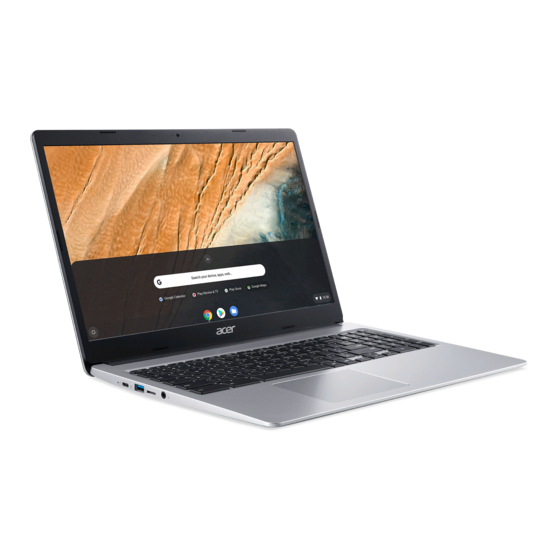
The 15.6-inch screen offers generous room for side-by-side browser windows.
Data Entry Efficiency
The dedicated numeric pad is a rare, welcome addition for spreadsheet work.
Processing Power
The Celeron processor struggles with heavy tabs or demanding web applications.
Portability Factor
Lightweight build makes it easy to carry despite the larger footprint.
Connectivity Versatility
A thoughtful mix of USB-C and USB-A ports handles legacy peripherals.
Battery Endurance
Reliable all-day power keeps you untethered during standard school or work shifts.
Key Specs
Processor
Intel Celeron N4500
RAM
4 GB
Storage Capacity
64 GB
Storage Type
eMMC Flash
Screen Size
15.6 inches
Display Resolution
Full HD (1920x1080)
Operating System
Chrome OS
Touchscreen
No
Connectivity Ports
USB-A, USB-C
Weight
3.53 lbs
Know before you buy
Still have a question?
Ask Metto anything about the Acer Chromebook 315 before you decide.