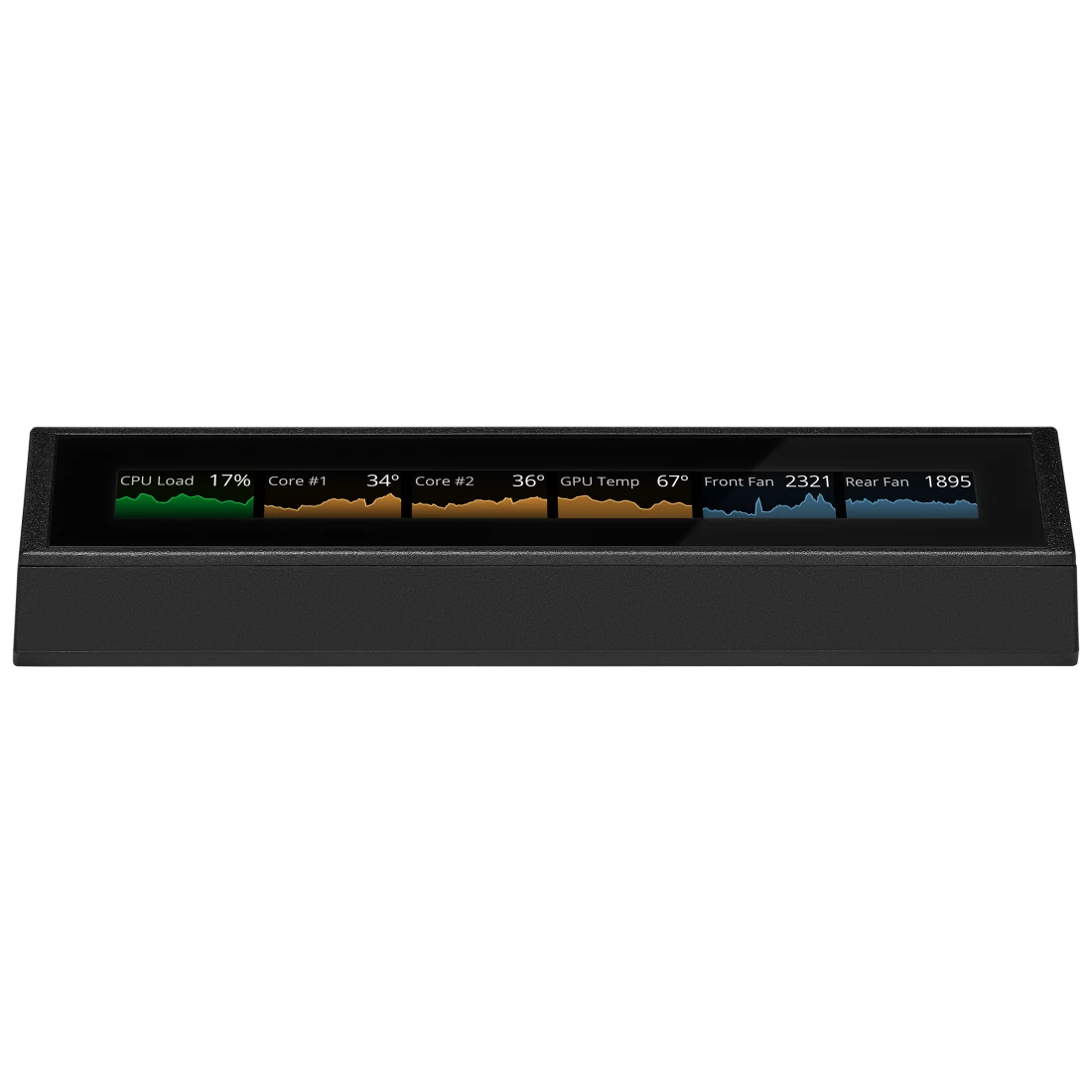

iCUE NEXUS Touch Screen

Best desktop companion for power users seeking streamlined system control.
This desktop command center turns your system stats and macros into a tactile, visual dashboard. While it requires a bit of upfront configuration to map your favorite shortcuts, the payoff is a streamlined workspace that keeps your most critical controls just a tap away.
$99.99
at
Corsair Official Website
Who it's for
- Power users managing complex Corsair hardware setups
- Gamers monitoring system health during intense sessions
- Productivity seekers wanting faster macro execution
Who should skip it
- Users with mixed-brand hardware components
- Budget-conscious buyers seeking essential functionality
- Minimalists already utilizing secondary monitors or apps
Performance breakdown
Customization Depth
Drag-and-drop interface allows for near-infinite personalized screen configurations.
System Monitoring
Real-time telemetry provides instant visibility into critical hardware performance metrics.
Interface Responsiveness
Touch sensitivity is reliable, though the narrow form factor limits input precision.
Ecosystem Integration
Seamlessly bridges control across the entire Corsair hardware peripheral suite.
Build Quality
Lightweight plastic construction feels functional but lacks a premium tactile finish.
Setup Simplicity
USB-powered design ensures a straightforward, plug-and-play installation process.
Key Specs
Touchscreen Enabled
True
Multi-Touch Support
True
Interface Type
USB-A
Connectivity Technology
USB Wired
Power Source
USB Powered
Surface Material
Plastic
Operating System Compatibility
Windows
Model Number
CH-9910010-NA
What Reviewers Say

Know before you buy
Still have a question?
Ask Metto anything about the iCUE NEXUS Touch Screen before you decide.